Coordinate Grid Generator
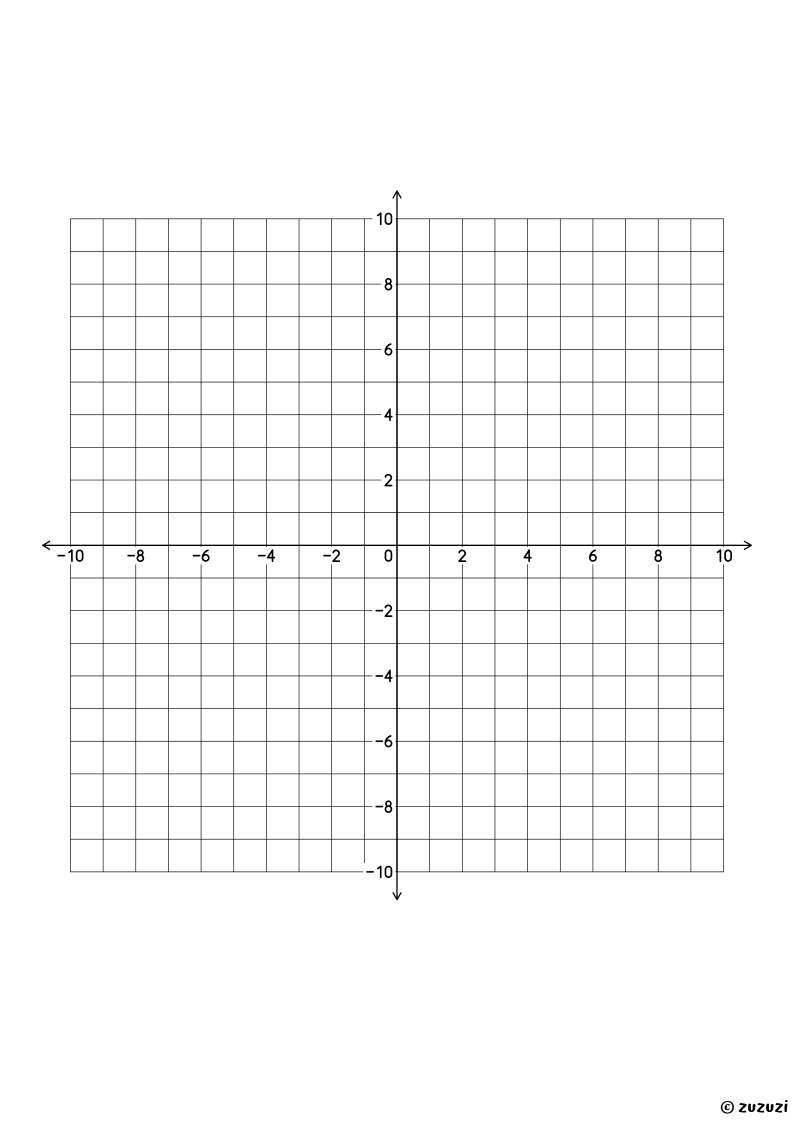
Choose the axes, then print the grid: four quadrants, from −10 to 10 on each axis, or only the first quadrant, from 0 to 20.
Frequently Asked Questions
What Can You Make With the Coordinate Grid Generator?
Printable coordinate grids, each a full A4 page: a grid of 20 by 20 squares with two numbered axes, in four quadrants from −10 to 10, or in the first quadrant from 0 to 20.
What Is a Coordinate Grid For?
A coordinate grid has two number lines that cross at 0: the horizontal x-axis and the vertical y-axis. Each point of the grid has two coordinates, written (x, y): you count along the x-axis, then up or down the y-axis, to plot a point or to read where it is. You join points to draw shapes and pictures, plot the values of a table, and draw the graph of a line. The first quadrant, from 0 to 20, is for starting out with positive numbers only; the four quadrants, from −10 to 10, add negative coordinates.
How Does the Coordinate Grid Generator Work?
- Choose the axes. Pick four quadrants, from −10 to 10, or only the first quadrant, from 0 to 20.
- Print it. Press Print to print the page on A4 paper, or choose “Save as PDF” in the print window to keep it.
- Share it. Copy the address of the page: it always gives the same grid back.
Every sheet is a full A4 page: a grid of 20 by 20 squares of 8.64 mm, centered on the page, with its two axes and their numbers by 2s. The page is made in your browser: nothing is sent to Zuzuzi, and it is free, with no sign-up.